Are you losing customers at the checkout stage, and the cost of lead acquisition is constantly growing? Find out the difference between UX and UI, why convenience is more important than aesthetics, and how professional interface design can double your website's conversion rate without additional advertising costs.
Why 80% of Businesses Lose Money During the Design Phase
Most companies approach website creation with the mindset of “make it look nice.” Business owners rely on their own tastes, trends, or competitors’ websites. The result is an aesthetically pleasing but completely non-functional website. Traffic from Google Ads and Meta Ads goes to pages where users face dozens of obstacles:
- An unclear menu structure (the user can’t find the right category).
- An overloaded first screen without a clear offer (USP).
- A complex 10-field registration form instead of a quick order option.
- Low-contrast call-to-action (CTA) buttons that blend into the background.
Each of these barriers reduces your potential conversion rate by 10–15%. You pay per click, but the user leaves frustrated. To avoid this, creating a digital product must start with a deep understanding of UX/UI design.

What is UX and UI Design: Explained in Simple Terms
Contrary to popular belief, web design isn’t just about drawing pictures. It’s engineering and psychology combined to solve business problems. These two acronyms are often used together, but they represent fundamentally different aspects of user interaction.
UX (User Experience): The Architecture of Your Profit
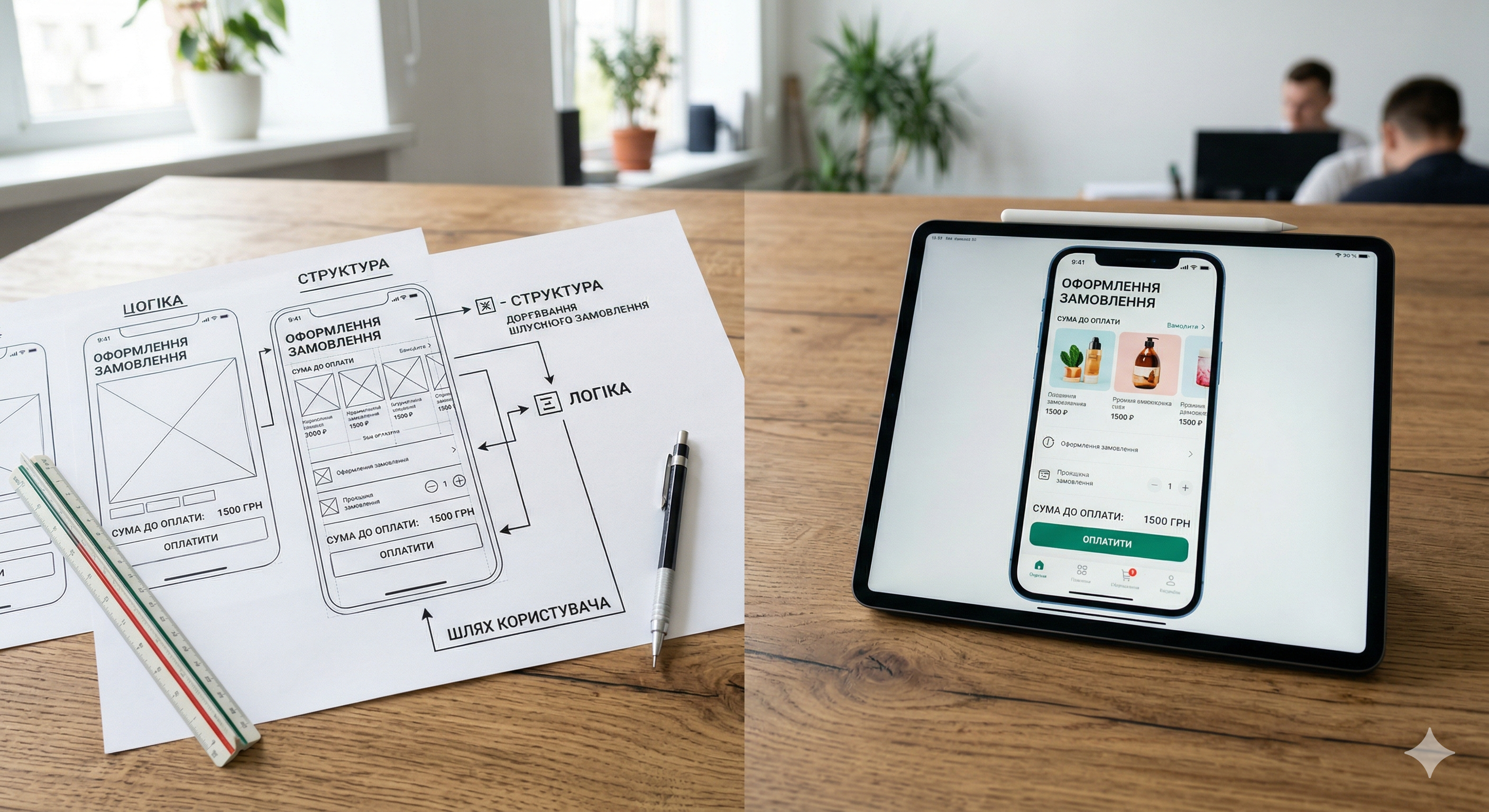
UX stands for user experience. It is the logic, foundation, and structure of a website. A UX designer acts as an architect: they study human behavior, analyze user needs, and design the path a user takes from their first visit to the site to a successful purchase.
The main tools of a UX specialist:
- CJM (Customer Journey Map): A map of the customer’s journey that records all touchpoints with the brand.
- Wireframes: Black-and-white schematic page layouts that define the placement of blocks without color.
- User Flow: Flowcharts showing the sequence of user steps (for example: Home → Catalog → Product Page → Cart → Checkout).
UI (User Interface): A visual trigger of trust
UI stands for user interface. It is the project’s outer shell. Once the UX foundation is ready, the UI designer takes over. They “apply” a visual style to the logical framework, which should inspire trust and align with the company’s brand book.
UI Scope of Responsibility:
- Selection of the color palette (taking color psychology into account).
- Typography (font readability across different devices).
- Design of interactive elements (buttons, icons, input forms, checkboxes, animations).
- Creating a unified Design System so that all pages look consistent.
What is the difference between UX and UI: A Detailed Comparison
To finally settle the question of the difference, let’s look at a comparison table. Imagine we’re designing a car:
| Characteristic | UX (User Experience) | UI (User Interface) |
|---|---|---|
| Car analogy | Engine, chassis, pedal layout, visibility from the window. How comfortable it is to drive. | Body color, seat upholstery material, dashboard lighting. |
| Main goal | Efficiency, speed, solving the customer’s problem. | Aesthetics, emotional connection, brand recognition. |
| What makes the difference | Structure, logic, usability. | Colors, fonts, animations, grids. |
| Success metrics | Conversion Rate, time on site, Bounce Rate. | Button CTR, engagement, positive feedback (NPS). |
How UX/UI design impacts key business metrics
Investing in a well-designed interface pays off many times over. Let’s take a look at exactly how design impacts your financial metrics.

1. Increased Conversion Rate (CR)
Conversion is the percentage of visitors who performed a target action (made a purchase, left their phone number). Optimizing the order form (reducing it from 5 steps to 2), adding a “Buy in 1 Click” option, and highlighting CTA buttons with the right colors can boost an online store’s conversion rate by 30–50%. Every additional percentage point of conversion is pure profit without increasing the advertising budget.
2. Reducing Customer Acquisition Cost (CAC)
CAC is the cost of acquiring a single customer. If your website is user-unfriendly, you have to pour more money into advertising just to get a single lead. By improving UX, you reduce the bounce rate. Consequently, you get more leads from the same number of clicks, and the cost per lead (CPL) and cost per customer (CAC) decrease.
3. Improving SEO Metrics (Behavioral Factors)
Search engine algorithms (especially Google’s) are very sophisticated. They analyze behavioral factors: how much time a person spent on the site, whether they navigated to other pages (bounce rate), or closed the tab after 3 seconds (pogo-sticking). A user-friendly UX/UI keeps the user engaged, which signals to Google: “This site is useful.” As a result, you get higher rankings and more free SEO traffic.
5 common UX/UI mistakes that kill sales
Check your current website. If you find even one of these issues, you’re losing money every day:
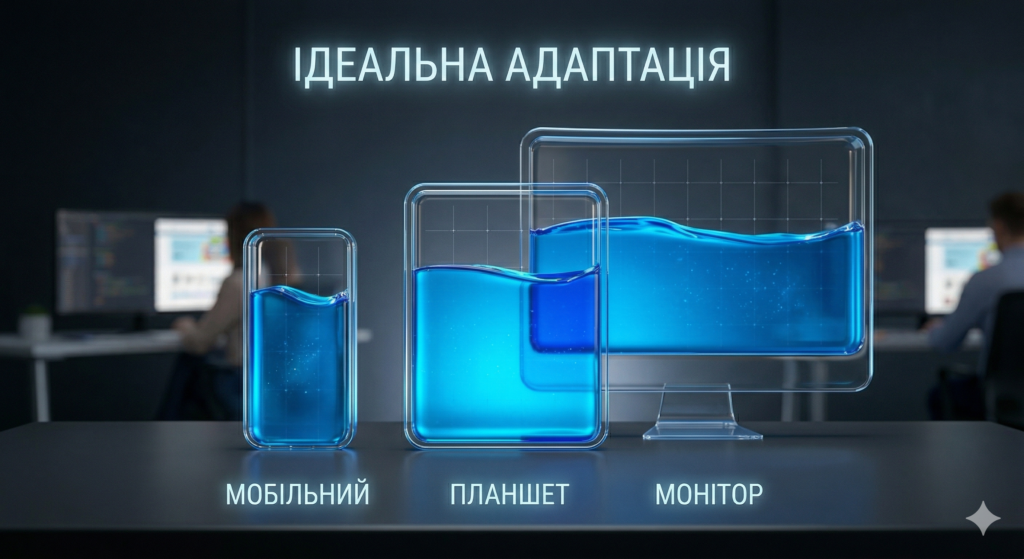
- Ignoring Mobile First. If your site was designed only for large computer monitors, and on mobile the text is tiny and the buttons are spread out—you’re losing up to 70% of your audience.
- Non-intuitive navigation (the “hamburger menu” on desktop). Users shouldn’t have to search for the product catalog. The menu should be obvious.
- “Blind spots” and banner blindness. Placing important information in areas that are traditionally ignored by the eye (for example, in the right sidebar, which is perceived as an ad).
- Low contrast. Light gray text on a white background looks great in a designer’s portfolio, but it’s impossible to read on a smartphone screen while out on the street.
- Lack of microinteractions. When a customer clicks the “Submit” button, they should see a loading animation or a “Success” message. Otherwise, they’ll click it 10 times and leave.
How commercial UX/UI design is created at FullPage.agency
We don’t work with templates. Website and interface development at our agency is a systematic process focused on business results.

Stage 1: Marketing Research and Audience Analysis
We start with a brief. Who are your customers? What are their “pain points”? We analyze your top 10 competitors, identify their usability weaknesses, and turn them into your competitive advantages.
Stage 2: Information Architecture (IA) Design
We create a sitemap. We organize the content so that users can reach any page in a maximum of 3 clicks.
Stage 3: Creating Interactive Prototypes
We develop detailed UX wireframes. You’ll be able to “click through” the future site, check the navigation logic and block layout even before we start designing.
Stage 4: UI Design and Design System Development
Once the logic is approved, our UI designers create a unique visual style. We assemble a UI kit (a set of all buttons, fonts, and fields), which is then handed over to frontend developers for pixel-perfect layout.
Stage 5: A/B Testing and Analytics
The work doesn’t end after the project launches. We implement heatmaps (Hotjar, Clarity) and analyze real user behavior. If a button isn’t working, we conduct A/B testing to find the option with the highest CTR.
Mini-case study: How changing UX logic increases sales
Real-world example: An online electronics store had a high cart abandonment rate (around 80%). Users would add items, proceed to checkout, and then disappear.
The UX audit identified the problem: The system required mandatory registration with email confirmation to make a purchase, and the shipping form contained 12 fields (including a postal code, which nobody needs anymore).
Solution: We implemented a “Checkout without Registration” (Guest Checkout) option, integrated automatic retrieval of Nova Poshta locations via API, and reduced the form to 4 fields.
Result: The conversion rate increased by 42% in the very first month. The visual style (UI) remained virtually unchanged—it was purely the logic (UX) that made the difference.
Want to find out why your website isn’t selling?
Are you spending thousands of dollars on traffic, but visitors are leaving without taking the desired action? Most likely, the problem lies in the interface’s “blind spots,” complex navigation, or an inconvenient mobile version. A non-optimized UX/UI is eating away at your marketing budget every day.

The FullPage.agency team specializes in data-driven design. We don’t just draw pretty pictures—we create commercial tools. Order a professional usability audit or interface development from scratch, and we’ll turn your traffic into real customers.
Read more about how we build processes at FullPage in our A-to-Z Guide to Website Development.