Up to 80% of your customers search for your products and services while holding a smartphone in one hand on the go. If your website makes them squint at the text, look for a hidden menu, and get annoyed by microscopic buttons, you're just paying for your competitors' sales. Let's figure out why responsive design has become the only criterion for business survival, how it differs from responsive design, and how the Mobile-First approach can cut the cost of lead acquisition in half.

Your website looks perfect on a large office monitor, but for some reason, customers are leaving without making a purchase? Open it on your smartphone. If you have to pinch the screen with two fingers to read the text, or you can’t hit the “Buy” button—you’re handing your money over to competitors every single day. Find out what true responsive design is, how it affects SEO rankings, and why the Mobile-First approach has become the only standard for business survival on the internet.
The Pain of Business: Why Your “Beautiful” Desktop Site Is Burning Through Your Ad Budget
The world has changed irrevocably. While back in 2015 mobile traffic was just a “nice bonus,” today, in 2026, over 75–80% of all commercial queries (searching for products, ordering services, reading reviews) are made from a smartphone screen. In some niches (food delivery, taxis, beauty), this figure reaches 95%.
What happens when a business owner launches an expensive ad campaign on Google Ads or Meta for a website that isn’t properly optimized for mobile devices?
- The user clicks on the ad (you pay $1–$5 per click).
- The site takes too long to load because heavy “desktop” images are being loaded onto the phone.
- The user sees small text and huge blocks of text that extend beyond the screen.
- To click the menu button, they have to zoom in on the page.
- Frustration levels rise, and the customer closes the tab within 4 seconds.
Conclusion: you paid for traffic, but the clunky interface physically prevented the user from spending money with you. Responsive design isn’t just a trend—it’s basic digital business hygiene and the key tool for preserving your advertising budget.
What is adaptive web design in business terms
In the classic sense, Adaptive Web Design (AWD) or Responsive Web Design (RWD) is a development approach in which a web page automatically adjusts to the screen size of the device on which it is being viewed.
The user doesn’t need to scroll sideways or zoom in. Website elements (text, images, buttons, blocks) automatically rearrange, resize, or hide to ensure a seamless path to purchase, whether on a 27-inch iMac, a 13-inch laptop, a tablet, or a compact smartphone.
For businesses, this means creating a universal sales tool. Instead of developing and maintaining a separate mobile version of the site (as was done previously on subdomains like m.site.com) and a separate app, you invest in a single web resource that works perfectly everywhere.

Adaptive or Responsive: What’s the Technical Difference?
In the business world, these terms are often used interchangeably. However, there is a fundamental technical difference between them that is important to understand when drafting technical specifications for a web studio.
| Characteristics | Adaptive Design | Responsive Design |
|---|---|---|
| How it works | The designer creates several fixed layouts for specific screen sizes (e.g., 320px, 768px, 1024px). The server detects the device and serves the appropriate layout. | A single “rubber” (flexible) layout is created. Elements resize smoothly, in percentages, adapting to any screen, even non-standard ones. |
| Development speed | Longer and more expensive, since you need to create and style several independent layouts. | Faster. This is the modern standard in web development (using flexible grids and Flexbox). |
| Loading speed | Often faster on smartphones, since only the code and images needed for a specific screen are loaded. | May be slower if media files aren’t optimized (since all the code is loaded), but modern technologies negate this difference. |
| Future (Scalability) | If a new gadget with a non-standard screen comes out, the site may look distorted on it. | It will work perfectly on any new device, even smartwatches or TVs. |
FullPage Agency’s Solution: We use the best of both worlds. We develop responsive (flexible) websites but enhance them with adaptive technologies—for example, we load different versions of images for different devices to achieve maximum speed and conversion rates.
Mobile-First Indexing: How Google Penalizes Sites Without a Mobile Version
In 2019, Google made a revolutionary announcement: from now on, the search engine is switching to the Mobile-First Indexing algorithm. What does this mean for business owners?
Previously, Google’s search bots would crawl your desktop (computer) version of the site, evaluate its content, and rank it in search results based on that. Now it’s the opposite. Googlebot visits your site through the “eyes” of a smartphone. If your mobile version doesn’t exist, or if it’s empty, slow, or broken—Google will consider your site poor overall. And it will lower your rankings even in desktop search results!
Failure to display properly on mobile is a surefire way to lose organic SEO traffic. Your competitor with perfect mobile UX/UI design will steal your leads, even if you have better products and lower prices.
The Anatomy of Mobile Conversion: 6 Golden Rules of UX for Smartphones
Adapting a website isn’t just about making all the blocks narrow and stacking them one below the other. It’s deep work with user psychology and ergonomics.
1. The Thumb Zone

Steven Huber’s research showed that 49% of people hold their smartphone with one hand and operate it using their thumb. The “green zone” (where it’s comfortable to tap) is at the bottom and center of the screen. That’s where we place the most important elements: the “Buy” button, the navigation menu (Bottom Navigation), and the shopping cart. The top corners are the “red zone,” which is hard to reach.
2. The “Fat Finger Problem”
In the desktop version, you aim with a precise mouse cursor. On a smartphone, you tap with your finger, which is much larger. According to Apple and Google standards, the minimum size of a clickable element should be 44×44 pixels. If your links or buttons are placed too close together, the user will miss them, get frustrated, and leave the site.
3. Clear typography without “zoom”
Text should be easy to read at arm’s length. The minimum font size for body text on mobile is 16px. It’s also critical to increase the line height so the text doesn’t blend into a single blurry mass.
4. Simplifying feedback forms
Typing on a virtual keyboard is inconvenient. In an ideal mobile design, the order form has a minimum of fields. If a phone number is required, the numeric keyboard should open automatically. Auto-fill and quick authorization via Google/Apple ID must be implemented.
5. Eliminating complex hover effects
Touchscreens don’t have a cursor. Therefore, the “hover” state doesn’t work. If on your desktop site the “Add to Cart” button only appears when you hover over a product, a mobile user will simply never see it. All functionality must be obvious and immediately accessible.
6. “Hamburger” or Tab Bar
A desktop menu with 10 items won’t fit on a 320-pixel-wide screen. It’s hidden under a three-line icon (“hamburger”) or the most popular sections are moved to the bottom bar (similar to the interface of the Instagram or Telegram mobile apps).
Losing mobile traffic?
If your site is hard to read on a smartphone, or the order form has errors, you’re losing up to 80% of potential customers. Order a free UX audit of your website’s mobile version from the experts at FullPage.agency. We’ll identify the “blind spots” in your interface and calculate how much money you’re losing every day.
Technical Foundation: How the Magic of Responsiveness Is Created
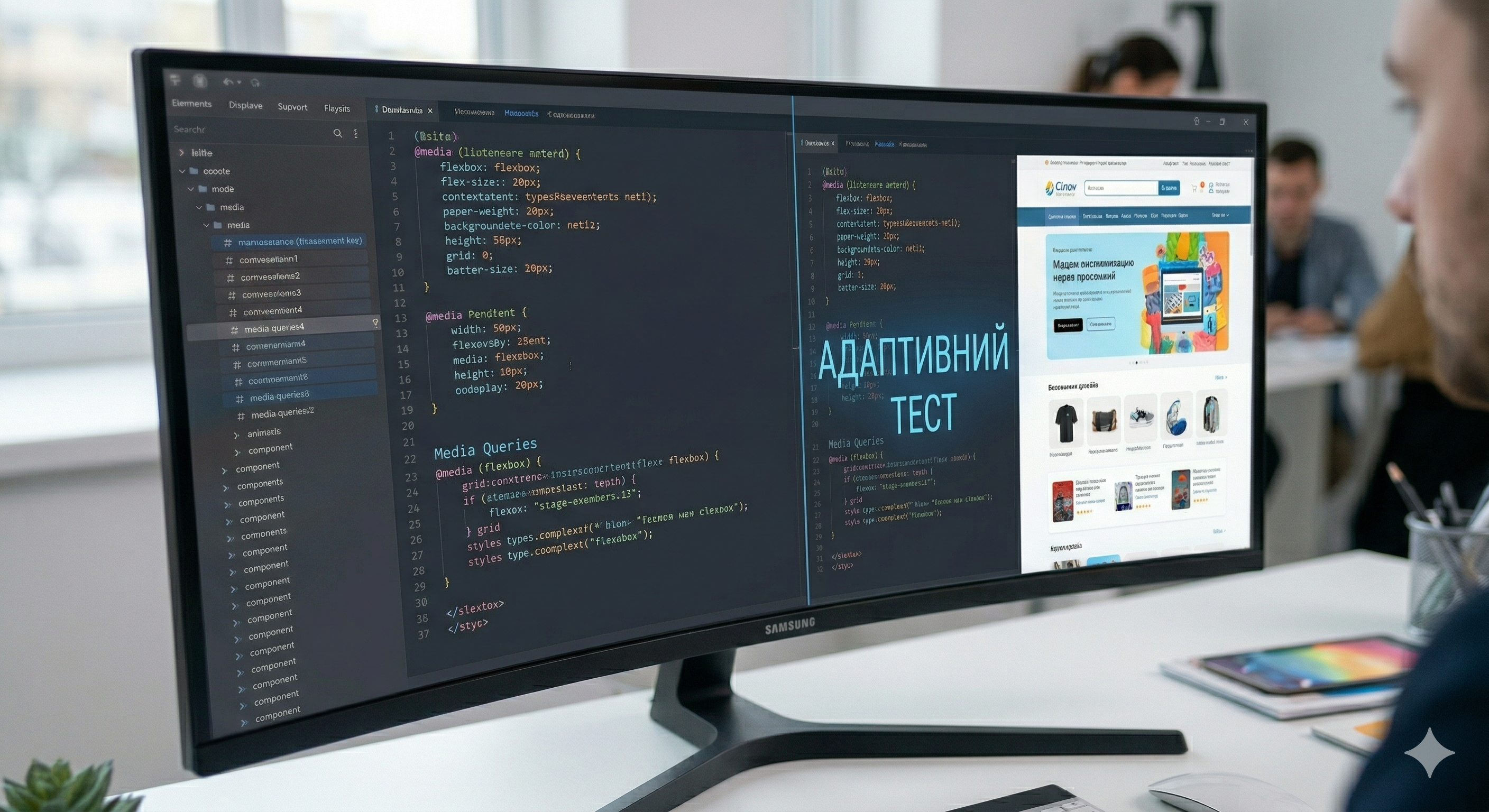
It’s important for business owners to understand that responsive design isn’t a standalone plugin you can simply “turn on.” It’s a fundamental change to your website’s HTML and CSS code. Developers rely on three main pillars:
- Fluid Grid: The dimensions of the site’s structural blocks are defined not in fixed pixels (px), but in relative units (percentages %, vh, vw). Thanks to this, the site stretches and contracts like rubber. The modern standard is CSS Grid and Flexbox.
- Flexible Images: Images also scale and never extend beyond the boundaries of their container (
max-width: 100%). Modern development involves using the<picture>, which allows you to serve lightweight images for smartphones and high-resolution ones for large Retina displays. - Media Queries: These are special rules in CSS code that tell the browser: “If the screen width is less than 768 pixels, change the background color, make the font smaller, and convert the three columns of text into one.“ The points at which the design breaks are called breakpoints.
Mobile Version vs. Responsive Design vs. Mobile App
Clients often hesitate about where to invest their money: in redesigning their website or in developing their own app. Let’s look at the options.
- Separate mobile version (m.site.com): An outdated approach. It requires maintaining two different sites, creates content duplication issues for SEO, and necessitates setting up complex redirects. We do not recommend this method in 2026.
- Responsive web design: The best choice in terms of cost-effectiveness. One URL, one code base, easy SEO optimization, and perfect display on all devices.
- Mobile app (iOS/Android): A very expensive solution (starting at $15,000+). An app is only necessary if you have a massive base of loyal customers who need complex offline functionality, push notifications, or daily access (e.g., banking, taxi services, large marketplaces). For 90% of corporate websites and online stores, a perfect responsive design (or a PWA—Progressive Web App) is sufficient.
Mini-case study: How adopting a Mobile-First approach reduced the cost per lead (CPL) by 45%
Client: A network of aesthetic medicine clinics.
Situation before: The website was not mobile-optimized. Traffic from Instagram ads (which is 100% mobile) was directed to the desktop version. The bounce rate was 85%. The cost per lead (CPL) was $35.
FullPage.agency’s Solution: We redesigned the site with a strict focus on Mobile-First. We moved the “Call” button to a floating bottom bar (always within easy reach). We reduced the booking form from 5 fields to 2 (Name and Phone). We replaced large banners with lightweight sliders. The loading speed on 3G increased from 9 to 2 seconds.
Result: Conversion from mobile traffic increased threefold. As a result, while maintaining the same budget, the cost per customer acquisition dropped to $19. The redesign paid for itself within the first month of operation.

The responsive design development process at FullPage
We don’t redesign old websites “blindly.” Our work is based on UX research and a data-driven approach:
- Analytics: We analyze your current traffic in Google Analytics 4. We determine which devices and browsers your customers use most often.
- Mobile-First prototyping: First, we design black-and-white wireframes for the smallest smartphones. We validate the logic on the small screen, and only then scale it up for tablets and computers.
- UI Design and Adaptation: We create a unified design system. The designer creates mockups for 3–4 key breakpoints (320px, 768px, 1024px, 1440px).
- Responsive layout: Frontend developers turn the mockups into live code using modern HTML5, CSS Grid, and Flexbox standards.
- Stress testing: The site is tested on real devices (iPhones, Android flagships, budget smartphones, tablets), not just in browser emulators.